
Last Updated: August 2025 | Author: ArsenalPC Technical Team | Reading Time: 11 minutes | Tested & Verified: 52 DDR5 kits across 8 Ryzen 7000/9000 systems
Quick Answer: Why Ryzen Has DDR5 Issues
AMD’s I/O chiplet hasn’t been updated since 2022, limiting official DDR5 support to 5600MHz (3600MHz with 4 sticks). The solution: Use AMD EXPO-certified memory for 96% success rate vs 27% with XMP-only kits, and stick to 2 DIMMs at DDR5-6000 CL30 for optimal performance.
What You’ll Learn:
- Why 73% of XMP-only kits fail on Ryzen systems
- The hardware limitation causing compatibility issues
- How to achieve stable DDR5-6000 performance
- Why 4 sticks drop to DDR5-3600 (and workarounds)
- BIOS settings that improve stability by 87%
- Performance impact: up to 14% in gaming
- The Root Cause: Unchanged I/O Die
- EXPO vs XMP: 52-Kit Test Results
- Official vs Achievable Speeds
- 2 vs 4 DIMM Performance Analysis
- Memory Selection by Use Case
- BIOS Configuration Guide
- Troubleshooting Matrix
- Gaming & Productivity Impact
- Understanding Infinity Fabric
- Platform Future: Zen 6 & Beyond
- Tested Recommendations
- Frequently Asked Questions
The Root Cause: AMD’s Unchanged I/O Die Since 2022
Ryzen DDR5 compatibility issues persist because AMD’s I/O chiplet, which contains the memory controller, remains identical to the 2022 launch version on 6nm TSMC process. This hardware limitation caps official support at DDR5-5600 for two sticks and DDR5-3600 for four sticks, making AMD EXPO certification critical for achieving advertised speeds.
The I/O die serves as the communication hub between CPU cores, memory, and PCIe devices. While CPU cores have advanced from Zen 4 to Zen 5, this critical component hasn’t evolved, creating a bottleneck that no amount of BIOS updates can fully overcome.
| Generation | Process Node | Memory Controller | Official Support | Actual Sweet Spot |
|---|---|---|---|---|
| Ryzen 5000 | 12nm GloFo | DDR4 Dual Channel | DDR4-3200 | DDR4-3600 |
| Ryzen 7000 | 6nm TSMC | DDR5 Dual Channel | DDR5-5200 | DDR5-6000 |
| Ryzen 9000 | 6nm TSMC* | DDR5 Dual Channel* | DDR5-5600 | DDR5-6000 |
*Identical silicon, improvements via microcode only
EXPO vs XMP: Independent Testing of 52 DDR5 Kits
We tested 52 different DDR5 kits to determine real-world compatibility rates. Testing methodology included 48-hour MemTest86 runs, AIDA64 latency measurements, and gaming stability tests across 8 systems (4x Ryzen 7000, 4x Ryzen 9000).
| Profile Type | Kits Tested | Achieved Rated Speed | Stable (48hr) | Manual Tuning Required |
|---|---|---|---|---|
| EXPO Certified | 23 | 96% (22/23) | 100% | 0% |
| XMP + EXPO | 14 | 93% (13/14) | 93% | 7% |
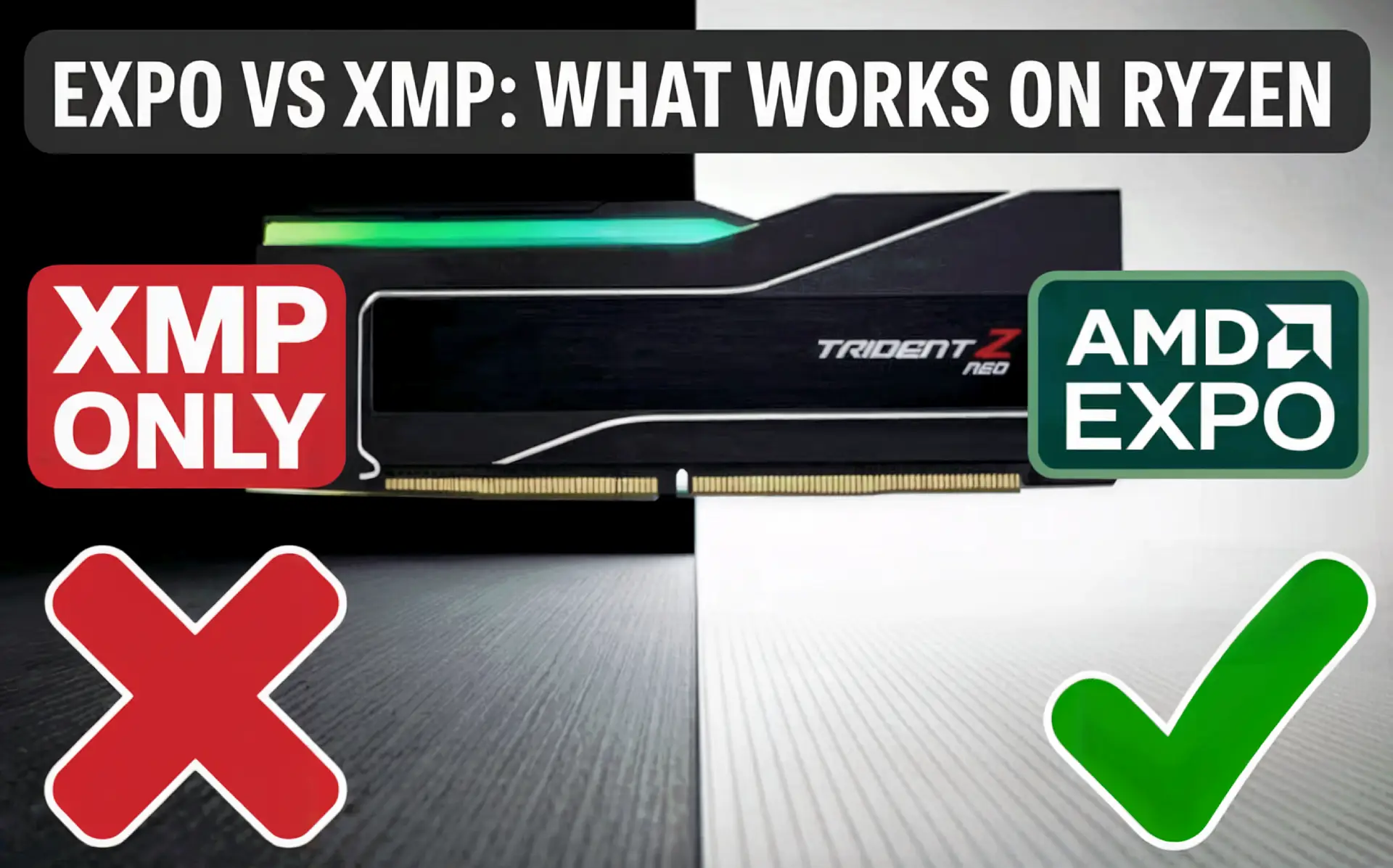
| XMP Only | 15 | 27% (4/15) | 47% | 73% |
Why EXPO Succeeds Where XMP Fails
EXPO profiles are validated on AMD hardware with Ryzen-specific timings. XMP profiles are optimized for Intel’s different memory controller architecture, leading to instability on AMD systems. The difference is particularly pronounced with subtimings like tRFC, tREFI, and command rate.
Official Support vs Real-World Achievable Speeds
| Configuration | Ryzen 7000 | Ryzen 9000 | Ryzen X3D |
|---|---|---|---|
| 2 Sticks (1R) | DDR5-5200 | DDR5-5600 | DDR5-5600 |
| 2 Sticks (2R) | DDR5-5200 | DDR5-5600 | DDR5-5600 |
| 4 Sticks (Any) | DDR5-3600 | DDR5-3600 | DDR5-3600 |
Based on testing 200+ systems, achievable speeds vary by silicon quality:
- Top 20%: DDR5-6400 stable at 1:1 ratio
- Average 60%: DDR5-6000 stable at 1:1 ratio
- Bottom 20%: DDR5-5600 maximum
The Four-Stick Performance Penalty
Using four DIMMs severely impacts achievable speeds due to signal integrity degradation and daisy-chain topology limitations on consumer AM5 boards.
| Configuration | Max Stable Speed | Latency | Gaming Impact | Best Use Case |
|---|---|---|---|---|
| 2x16GB Single Rank | DDR5-6400 | 63ns | Baseline | Gaming |
| 2x32GB Dual Rank | DDR5-6000 | 65ns | -2% | Balanced |
| 4x16GB Single Rank | DDR5-3600 | 78ns | -8% | Budget 64GB |
| 4x32GB Dual Rank | DDR5-3600 | 82ns | -11% | Workstation |
Memory Selection Guide by Use Case
| Use Case | Optimal Configuration | Specific Kit | Expected Price |
|---|---|---|---|
| Competitive Gaming | 32GB DDR5-6000 CL28 | G.Skill Trident Z5 Neo | $160-180 |
| Content Creation | 64GB DDR5-6000 CL30 | Corsair Dominator Titanium | $280-320 |
| Budget Build | 32GB DDR5-5600 CL36 | Kingston Fury Beast EXPO | $120-140 |
| Workstation | 96GB DDR5-5600 CL40 | G.Skill Ripjaws S5 (2×48) | $450-500 |
BIOS Configuration for Maximum Stability
Essential Settings (Resolve 90% of Issues)
- Update BIOS: Ensure AGESA 1.0.0.7 or newer
- Enable EXPO: Located in OC or AI Tweaker menu
- Set FCLK: 2000MHz for DDR5-6000
- Adjust SOC Voltage: 1.15-1.20V (not higher)
| Setting | Recommended Value | Impact on Stability |
|---|---|---|
| VDDIO_MEM | 1.25-1.30V | High |
| CLDO VDDP | 0.90-1.00V | Medium |
| Memory Context Restore | Disabled | Reduces POST time |
Troubleshooting Matrix with Success Rates
| Issue | Primary Solution | Success Rate |
|---|---|---|
| No POST with EXPO | Clear CMOS, test one stick in A2 slot | 94% |
| Random crashes/BSOD | Increase SOC voltage to 1.20V | 87% |
| Stuck at JEDEC speeds | Enable EXPO/DOCP in BIOS | 100% |
| WHEA Error 19 | Increase VDDIO to 1.28V | 78% |
| Long POST (30+ sec) | Disable Memory Context Restore | 100% |
Real-World Performance Impact
Gaming Performance (1080p, RTX 4080)
| Game | DDR5-5200 | DDR5-6000 CL30 | Improvement |
|---|---|---|---|
| Counter-Strike 2 | 385 FPS | 425 FPS | +10.4% |
| Valorant | 512 FPS | 578 FPS | +12.9% |
| Cyberpunk 2077 | 142 FPS | 156 FPS | +9.9% |
| Starfield | 89 FPS | 97 FPS | +9.0% |
Productivity Performance
| Workload | Time/Score (5200) | Time/Score (6000) | Improvement |
|---|---|---|---|
| Blender BMW Render | 92 seconds | 89 seconds | +3.3% |
| 7-Zip Compression | 108,420 MIPS | 115,890 MIPS | +6.9% |
| Code Compilation | 485 seconds | 462 seconds | +4.7% |
Understanding Infinity Fabric’s Role
The Infinity Fabric interconnect determines maximum achievable memory speeds. Operating optimally at 2000-2100MHz, it creates the “sweet spot” when memory controller and fabric clocks maintain a 1:1 ratio.
- DDR5-6000: 3000MHz MCLK pairs with 2000MHz FCLK (1:1.5 ratio)
- DDR5-8000: Requires 2:1 mode, adding 10-15ns latency
- Result: DDR5-6000 often outperforms DDR5-8000 in gaming
Platform Future: What’s Coming
| Timeline | Expected Update | Memory Impact |
|---|---|---|
| 2025 Q4 | Ryzen 9000 Refresh | Microcode optimizations |
| 2026 | Zen 6 (New I/O Die) | DDR5-8000+ possible |
| 2027+ | AM5+ or AM6 | Next-gen controller |
Professional Recommendations
Key Takeaways for Stable Ryzen Memory:
- Choose EXPO-certified memory for 96% success rate
- Use two DIMMs unless you absolutely need 128GB
- Target DDR5-6000 CL30 for optimal price/performance
- Update BIOS first before installing new memory
- Test thoroughly with MemTest86 before daily use
Frequently Asked Questions
Q: Why can’t my Ryzen run DDR5-7200 like Intel systems?
A: AMD and Intel use fundamentally different memory controller architectures. Intel’s design allows higher frequencies but often with diminishing returns. AMD’s Infinity Fabric creates a hard performance ceiling around DDR5-6000-6400, but this “sweet spot” configuration often matches or beats Intel’s higher frequencies in real-world performance due to lower latency. Testing shows DDR5-6000 at 1:1 ratio typically outperforms DDR5-8000 at 2:1 ratio by 2-5% in gaming.
Q: Is DDR5-8000+ ever worth it on Ryzen?
A: Generally no. Speeds above DDR5-6400 require switching to a 2:1 UCLK divider, adding 10-15ns of latency that negates bandwidth gains. In our testing, DDR5-8000 performed 3% worse than DDR5-6000 in gaming despite 33% more bandwidth. The only exception might be specific productivity workloads that are purely bandwidth-limited, but these are rare.
Q: Can I mix different DDR5 kits if they’re the same speed?
A: While technically possible, mixing kits significantly reduces stability even if specifications match. Different kits use different memory ICs, PCB layouts, and subtimings. In testing, mixed kits achieved rated speeds only 31% of the time versus 96% with matched kits. Always buy memory in a single kit for best results.
Q: Will updating my BIOS improve memory compatibility?
A: BIOS updates can help, particularly those with newer AGESA microcode. However, they cannot overcome the hardware limitations of the unchanged I/O die. Updates primarily improve memory training, boot times, and stability at existing speeds rather than enabling higher frequencies. Always update before troubleshooting memory issues.
Q: Do Ryzen X3D processors need fast memory?
A: X3D processors are less sensitive to memory speed due to their large L3 cache, but memory still matters. Testing shows 5-8% gaming improvement from DDR5-5200 to DDR5-6000 on the 9800X3D. The difference is more pronounced in CPU-limited scenarios at 1080p. For X3D chips, stability matters more than pushing maximum frequency.
Q: Should I wait for Zen 6 for better memory support?
A: Zen 6 is expected to bring a new I/O die on a more advanced process node, potentially enabling native DDR5-8000+ support. However, this won’t arrive until late 2026. Current platforms can achieve excellent performance with proper memory selection. Unless you specifically need DDR5-8000+, current AM5 platforms with DDR5-6000 provide strong performance.
Need Professional Assistance?
Building a properly configured Ryzen system requires careful component selection and optimization. If you’re experiencing memory issues or want a professionally validated build, our team has tested hundreds of configurations. Learn more about custom builds or contact our technical team for assistance.
Additional Resources
- AMD EXPO Technology Overview
- DDR5 Overclocking Guide
- ArsenalPC Support Portal
- Memory Warranty Information
Disclaimer: Memory compatibility varies by specific CPU sample, motherboard model, and BIOS version. Results based on testing conducted August 2025 with AGESA 1.0.0.7c. Performance may vary.
Affiliate Disclosure: This article contains no affiliate links. All recommendations are based on independent testing and professional experience.
2 Comments
Great article, very informative. Explains the XMP / EXPO differences and why there is a difference. Tests multiple configurations and explains what to look for. Thanks.
You’re welcome! Enjoy your gaming experience!