
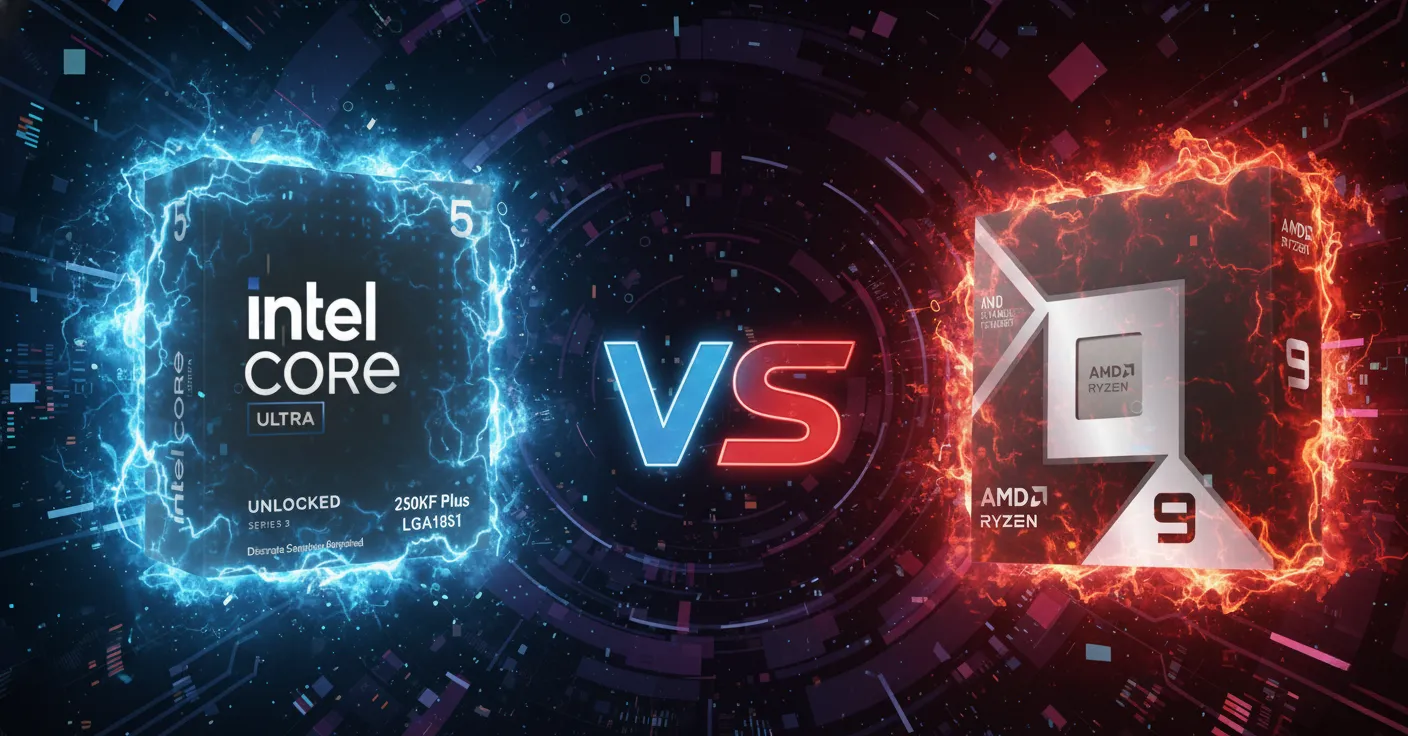

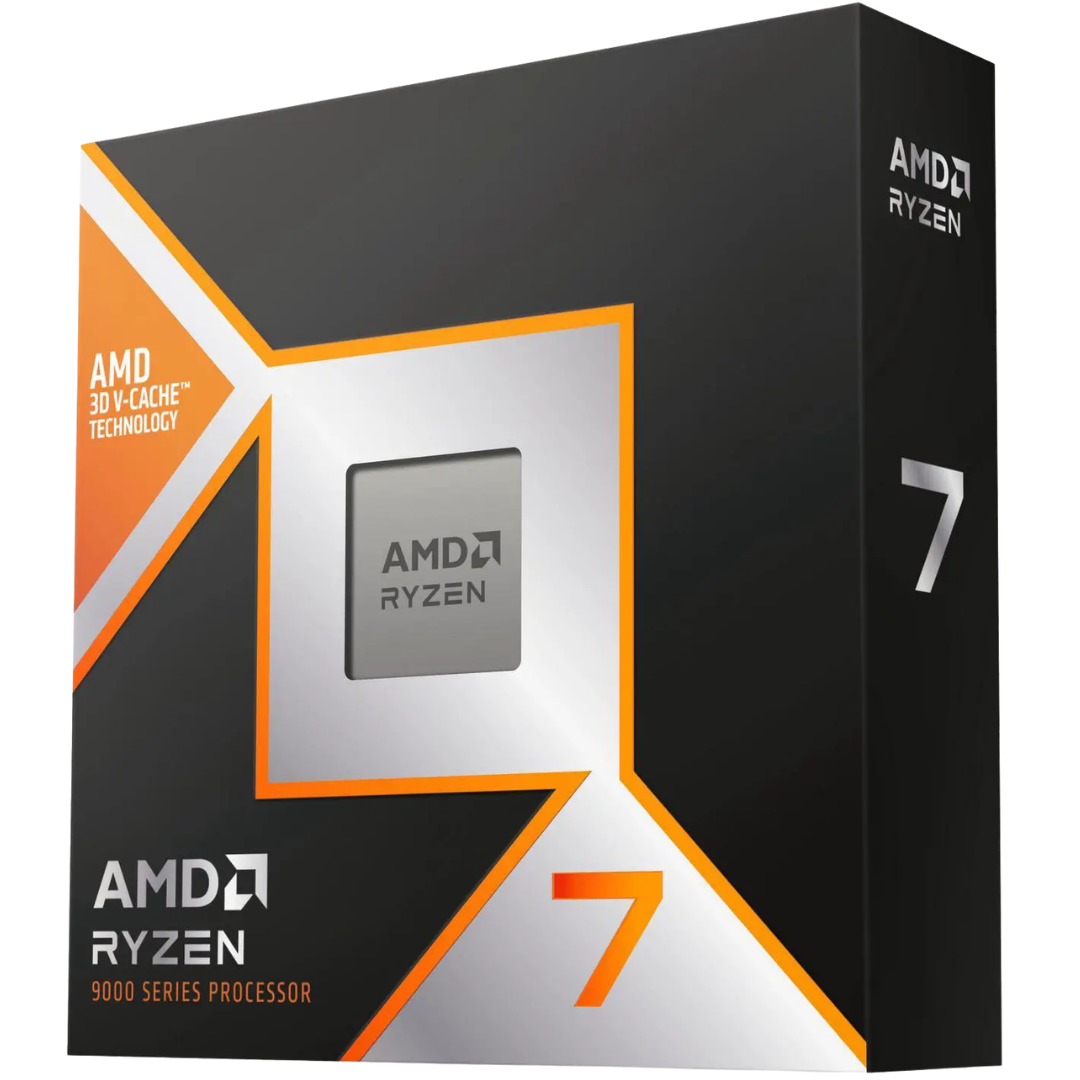
Top Picks: AMD and Intel Builds
Every system we ship from Willoughby is hand-assembled, stress-tested for a minimum of three hours, and covered by lifetime technical support. Below are three configurations that represent the top choices for different budgets and use cases based on the CPUs covered in this article.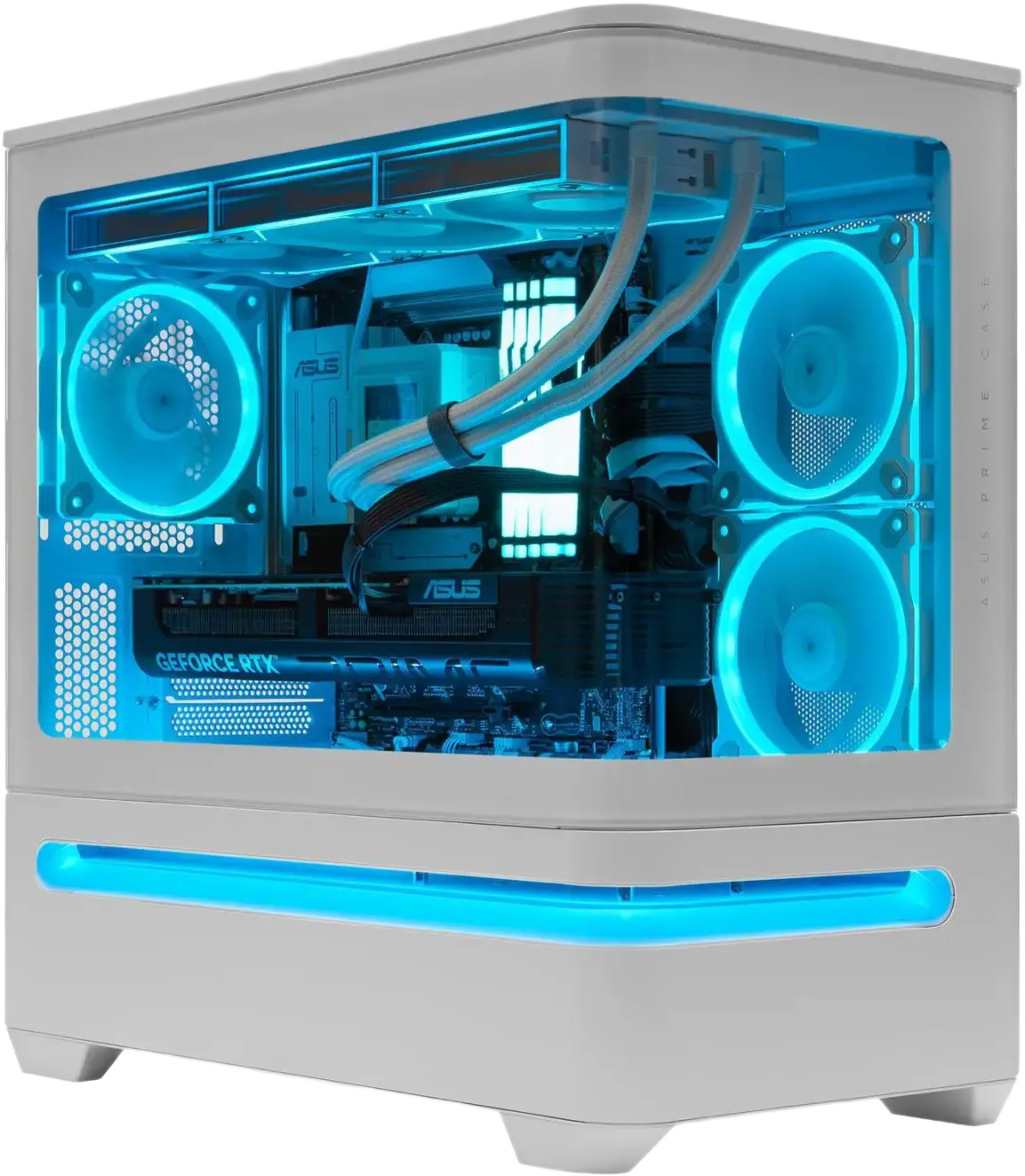
The good
- RTX 5070 Ti 16GB for outstanding 1440p and capable 4K gaming
- Ryzen 9 9900X3D brings 12 cores and 3D V-Cache for gaming and productivity
- 32GB DDR5 and 4TB NVMe SSD: no storage compromises
- ASUS Prime AP202 case offers excellent airflow and panoramic glass view
The trade-offs
- Premium price tier: the 9900X3D commands a step up over the 9800X3D
- Overkill if your primary use case is strictly 1080p gaming
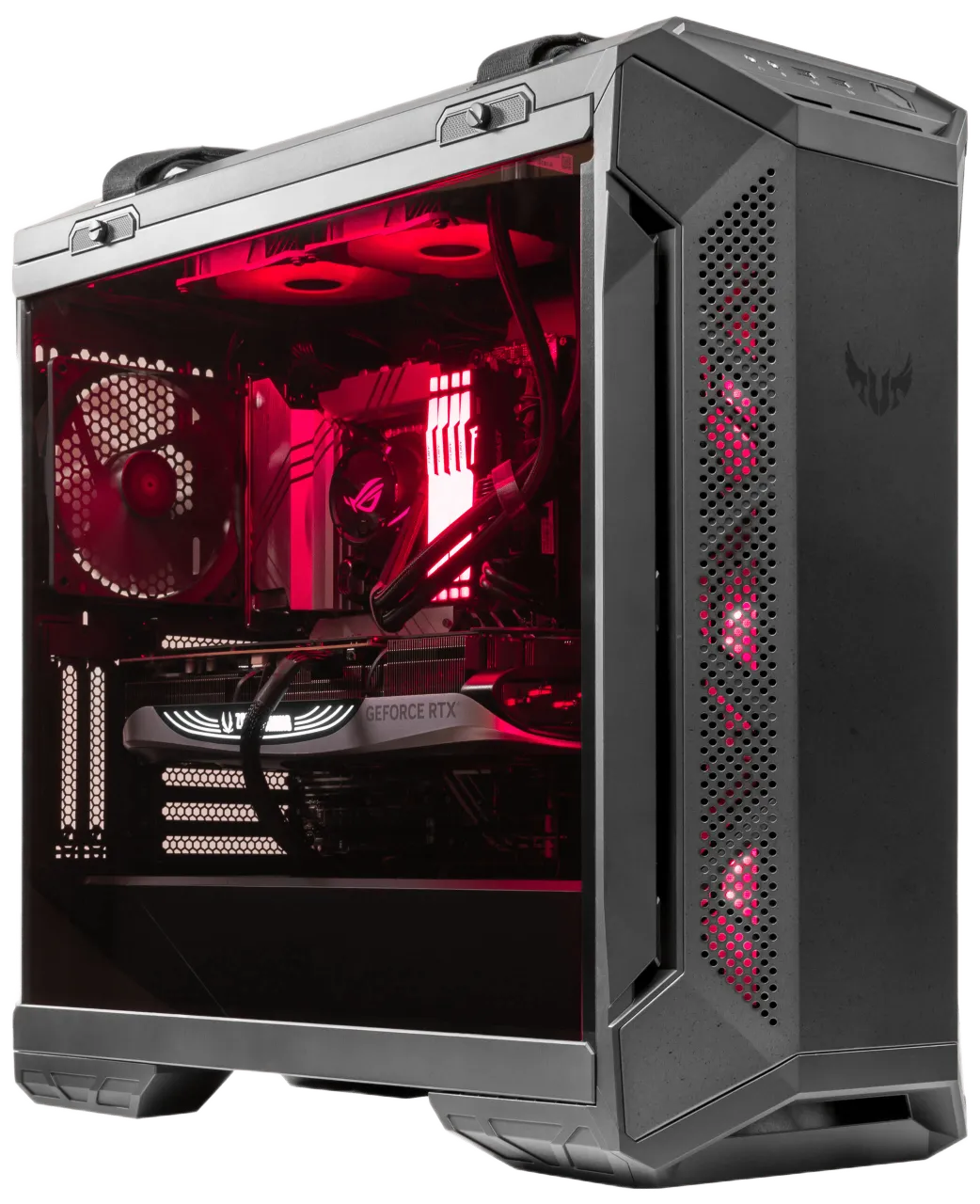
Best for Content Creation and Gaming
TUF Gaming GT501: RX 9070 XT + Ryzen 9 9950X3D
The good
- Ryzen 9 9950X3D: 16 cores with 3D V-Cache for gaming and heavy productivity
- RX 9070 XT 16GB with FSR 4 for strong 1440p and capable 4K gaming
- 64GB DDR5 handles demanding creative workloads with headroom to spare
- TUF Gaming GT501 is a proven high-airflow chassis
The trade-offs
- RX 9070 XT lacks DLSS 4 and dual NVENC: those requiring Nvidia features should look at the RTX 5070 Ti build
- Premium CPU tier adds cost versus the 9800X3D for pure gaming use
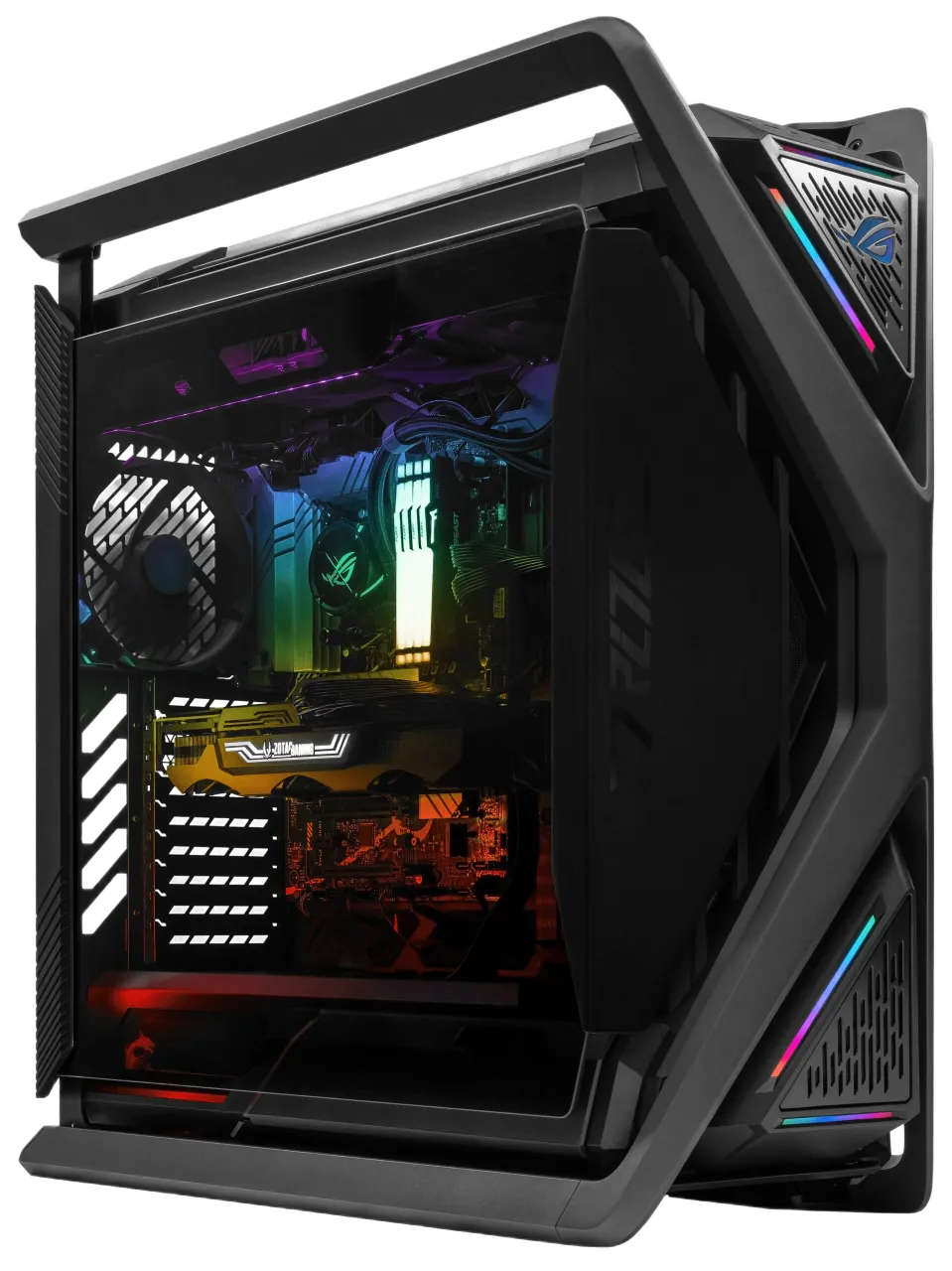
The good
- Core Ultra 9 285K: Intel’s best for video encoding, multitasking, and QuickSync workflows
- RTX 5070 12GB with DLSS 4 and NVENC for streaming and content creation
- ROG Hyperion GR701 full-tower chassis with extensive cooling support
- 64GB DDR5 for demanding multi-application workloads
The trade-offs
- Pure gaming performance trails an equivalent AMD X3D build at this price point
- 285K draws 125 to 185W under gaming load versus 65 to 88W for the 9800X3D
For Most Builders
Get the Ryzen 7 9800X3D. It is not a close call.
Unless video encoding is a significant part of your daily workload, or you are building strictly under $250 for the CPU, the 9800X3D wins on every metric that matters for gaming: raw frame rates, frame consistency, power draw, platform longevity, and price. We have been building on this chip all year at ArsenalPC and the results are consistent across every configuration and GPU pairing.The Number That Tells the Story
Before getting into per-game results and platform comparisons, it helps to anchor this discussion with a single figure. Across Hardware Unboxed’s 12-game benchmark suite at 1080p Medium settings, the Ryzen 7 9800X3D leads the Core Ultra 9 285K by 35 percent. At 1080p High settings, the gap holds at 26 percent. Intel’s 200S Boost overclocking narrowed that by approximately 3 percent according to NotebookCheck’s October 2025 testing. That is the ceiling of what firmware and software tuning can close.Average gaming performance lead, 9800X3D over Core Ultra 9 285K at 1080p
Hardware Unboxed, 12-game suite, October 2025. The gap holds at 26% at 1080p High settings, and Intel’s 200S Boost overclocking recovered roughly 3% of that deficit.
Price advantage for the 9800X3D
$479 vs $589. AMD wins on both performance and value across every gaming benchmark category.
L3 cache on the 9800X3D
The Core Ultra 9 285K has 36 MB of L3 cache. That 60 MB gap is the primary reason AMD dominates in gaming.
Power draw difference under gaming load
The 9800X3D draws 65 to 88W. The Core Ultra 9 285K draws 125 to 185W under equivalent conditions in our facility.
Why 3D V-Cache Wins: The Technical Picture
The Ryzen 7 9800X3D beats the Core Ultra 9 285K by 25 to 35 percent on average across gaming benchmarks at 1080p and 1440p. AMD’s 3D V-Cache stacks 64MB of additional L3 cache directly on the CPU die, keeping game data close to the cores and reducing memory latency in ways Intel’s hybrid architecture cannot currently match.
The mechanism is straightforward: modern game engines pull large, unpredictable datasets from memory constantly. Open-world titles like Cyberpunk 2077 and Baldur’s Gate 3 are particularly cache-hungry because the game state is large and the engine cannot predict what data the CPU will need next. Having 96MB of fast cache on-die rather than relying on system DRAM eliminates many of those latency penalties in real time. The gap varies significantly by title. In cache-sensitive games, the 9800X3D pulls away dramatically. In older or engine-limited games, the two chips are much closer. Here is what the benchmark data shows across a range of titles:| Game | Ryzen 7 9800X3D | Core Ultra 9 285K | AMD Lead |
|---|---|---|---|
| Cyberpunk 2077 | 219 fps avg | 132 fps avg | +66% |
| Star Wars Jedi: Survivor | 234 fps avg | 155 fps avg | +51% |
| Hogwarts Legacy | +43% faster | Baseline | +43% |
| Counter-Strike 2 | +30% faster | Baseline | +30% |
| Starfield | 140 fps avg | 127 fps avg | +10% |
| The Last of Us Part I | +5% faster | Baseline | +5% |
“Even after performance-enhancing firmware updates and Intel’s 200S Boost overclocking, the Core Ultra 9 285K is still no match for the Ryzen 7 9800X3D in gaming.” NotebookCheck, October 2025
The Case for Each Platform
This is not a simple AMD good, Intel bad situation. Compare these Intel and AMD CPUs head-to-head for gaming and workstation tasks and you find two chips built for genuinely different use cases, so the right answer depends on what your system actually does day to day.More cache, more frames, less money
The Ryzen 7 9800X3D’s 96MB L3 cache keeps game data on-die rather than constantly pulling from slower system memory. This matters most in open-world and simulation titles where game state is large and unpredictable. Combined with AM5’s confirmed support through 2027 and the ability to drop in a future Zen 6 chip without replacing the motherboard, AMD offers better value at every price point above $250. For a pure gaming build, there is no meaningful counter-argument.Best for: pure gaming, streaming builds, long-term platform investment
More cores, better encoding, budget value
The Core Ultra 9 285K’s 24-core hybrid design genuinely pulls ahead in heavily threaded workloads: Adobe Premiere renders, 3D simulation, compilation tasks. Intel’s QuickSync hardware encoder remains the strongest option for dedicated video encoding pipelines, delivering faster export times than anything AMD offers at this tier. At the budget end, the Core Ultra 5 250K Plus at approximately $200 is legitimately competitive with AMD’s Ryzen 5 9600X at similar pricing.Best for: content creation workflows, budget builds under $250, QuickSync encoding
Feature Comparison at a Glance
If you want to see the differences laid out side by side, the matrix below covers the features that actually matter in a gaming build decision.Should You Buy It or Skip It?
The right CPU depends entirely on your actual use case. Here is how we frame that conversation with customers who come through our Willoughby shop.Gaming CPU Hierarchy in 2026
The 9800X3D is not the only option on the AMD side, and it is worth knowing where every chip sits before deciding. A newer X3D chip launched in early 2026, and the previous generation still offers strong value on the used market.Ryzen 7 9850X3D
Launched early 2026. Boosts to 5.6 GHz, delivering 5 to 10 percent better gaming performance than the 9800X3D in select titles. ~$499.
Ryzen 7 9800X3D
Still the best value gaming CPU in 2026. Compatible with any X870 or B850 board. ~$479.
Ryzen 9 9950X3D
16 cores with 3D V-Cache. For demanding workloads that combine streaming, rendering, and gaming simultaneously. ~$699.
Core Ultra 9 285K
Intel’s best gaming chip, but 25 to 35 percent behind AMD X3D in gaming while costing $110 more. Strong for productivity. ~$589.
Core Ultra 5 250K Plus
Arrow Lake Refresh. Legitimately competitive at the budget tier for $199 to $220. Intel’s best current value chip.
Ryzen 7 7800X3D (Previous Gen)
Still strong at 1440p. Available used for $280 to $320. Outstanding value for budget AM5 gaming builds.
Is It Worth Upgrading From Your Current Setup?
Whether the jump to a 9800X3D makes financial sense depends almost entirely on what you are coming from. A customer upgrading from a Ryzen 5 5600X faces a very different calculation than someone already running a 7800X3D. Here is how we approach that conversation at ArsenalPC.| Current CPU | Recommended Move | Result |
|---|---|---|
| Intel i7-10700K or i9-10900K | Move to Ryzen 7 9800X3D with new AM5 board | Do It 40 to 60% gaming improvement. Platform is overdue for retirement. |
| Ryzen 5 5600X or 5800X | Move to 9800X3D with new AM5 board | Do It Major jump in both gaming and everyday system responsiveness. |
| Ryzen 7 7800X3D | Upgrade to 9800X3D in the same AM5 board | Maybe 15 to 20% gain. Only worth it if you need the headroom for a specific workload. |
| Core Ultra 9 285K | Consider 9800X3D if gaming is primary use | Maybe 25 to 35% gaming gain, but requires a full new platform. |
| Ryzen 7 9800X3D | Wait for Zen 6 or consider 9850X3D if pricing drops | Skip Already at the performance ceiling. No meaningful reason to upgrade now. |
GPU Pairing: Matching the CPU to Your Card
One variable that matters as much as CPU choice is which GPU you pair it with. At 4K, both AMD and Intel CPUs deliver equivalent results because the GPU is the bottleneck in virtually every title. The CPU advantage AMD holds is most pronounced at 1080p and competitive gaming scenarios where frame rates are high and the CPU is frequently in the critical path. Our guidance at ArsenalPC is to match your CPU tier to your GPU tier and never let either one choke the other. An RTX 5090 paired with anything other than an X3D chip leaves performance on the table at 1080p and 1440p. A budget GPU paired with a premium CPU wastes your CPU budget.ArsenalPC Performance Score: Ryzen 7 9800X3D
Based on our in-house testing across dozens of builds shipped this year from our Willoughby facility, here is how the 9800X3D scores against our internal criteria.Frequently Asked Questions
Build Your Intel or AMD Gaming PC with ArsenalPC
Whether you choose AMD for top-tier gaming performance or Intel for a balanced productivity build, our team in Willoughby, Ohio configures it right the first time. Every system is hand-assembled and stress-tested for a minimum of three hours before shipping, with lifetime technical support included on every order.- Phone: (440) 602-7090 | (866) 277-3627
- Email: Contact Form
- Visit: 4711 E355 St, Willoughby, OH 44094
- Hours: Mon-Fri 10AM-6PM | Sat 11AM-3PM