
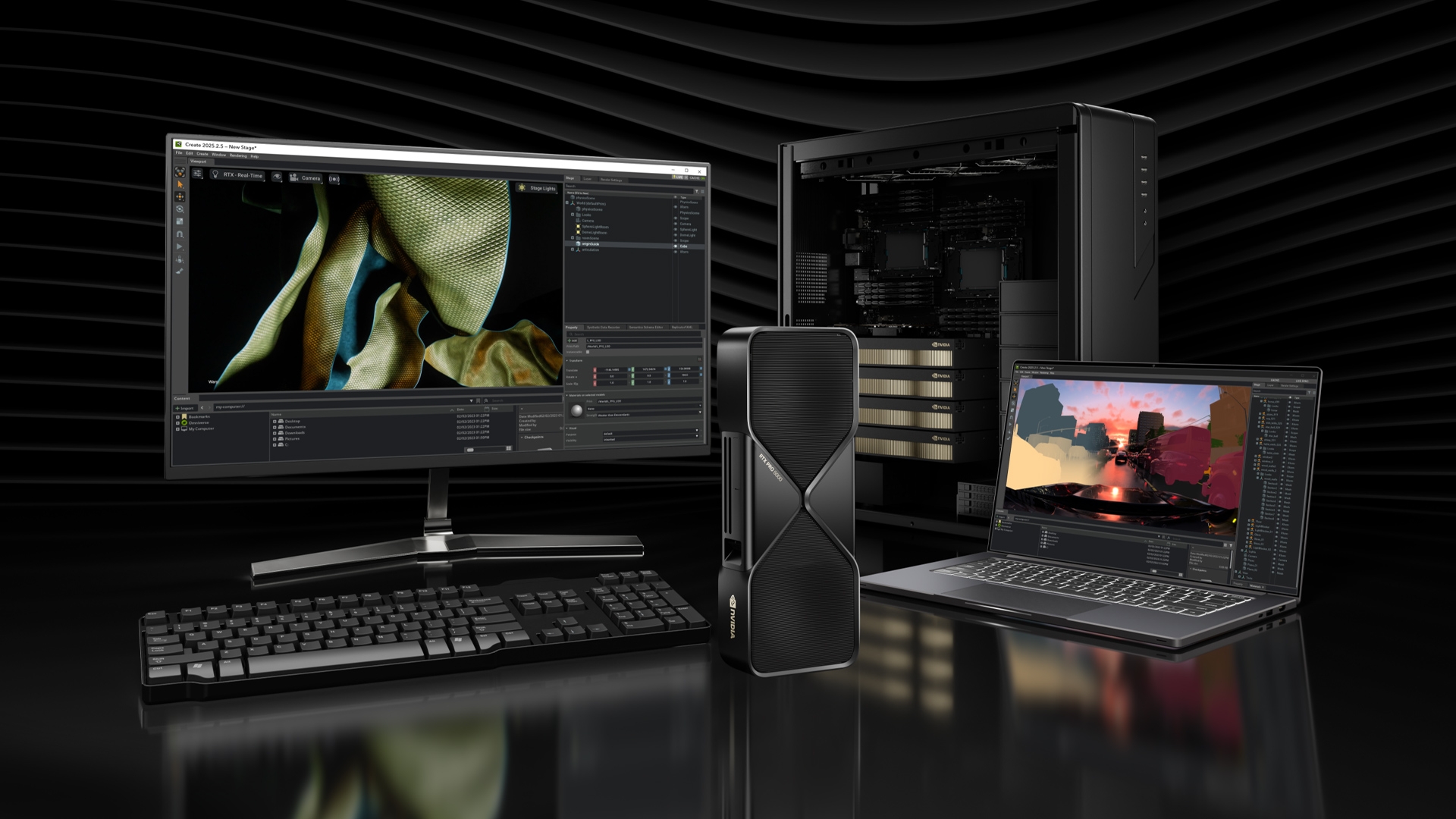

A second RTX PRO 6000 is worth buying only when one job needs more than 96GB, or when you need two large jobs running at once. Our Enthoo Pro 2 Server Edition dual RTX PRO 6000 build is listed at $55,291. That’s about $22,000 more than the single-card build in the same case.
Pricing is current as of the publish date and is refreshed as market conditions change.
The clearest case for two cards is a 70B model at FP16. Heavy KV cache at high concurrency is the other common reason.
We’d start most buyers on one card. A single 96GB card runs 70B at FP8. If you need two cards in a tower, plan for three problems: stacked flow-through coolers, no NVLink, and a wall circuit that may need 240V.
What 192GB unlocks that 96GB cannot
These figures cover weights only, before KV cache:
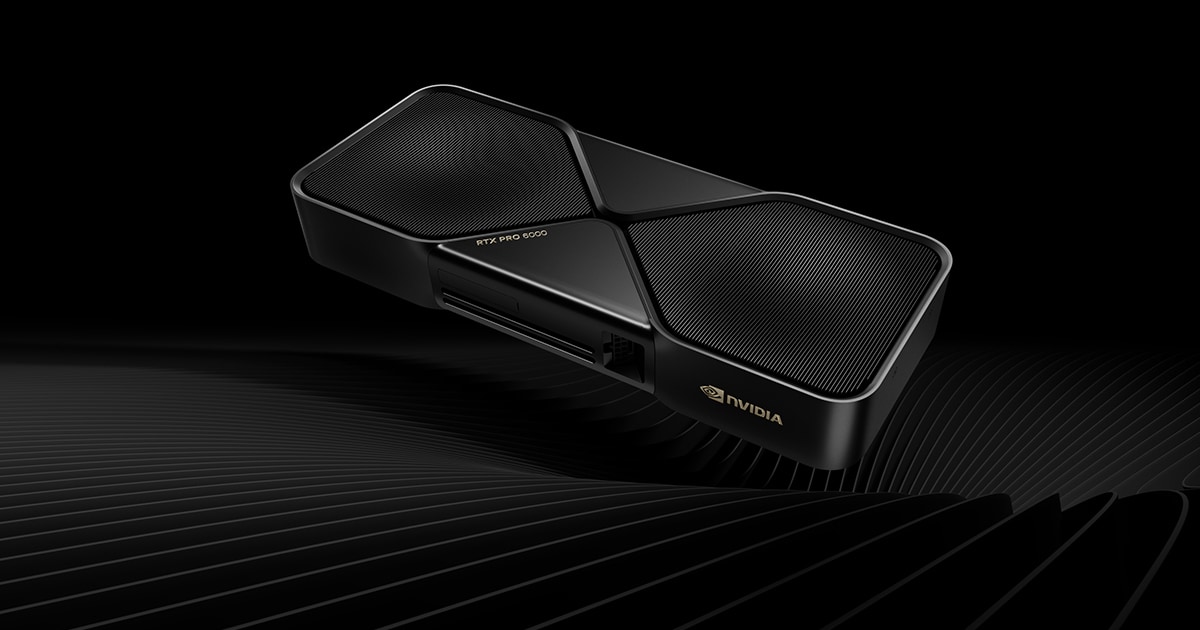
- 70B at FP16: unquantized FP16 weights (about 140GB) split across both cards, so you don’t have to quantize for evaluation or a reference baseline.
- 130B+ at INT8: the weights need about 130GB, which is more than one 96GB card holds.
- KV cache: more free memory for long contexts and more concurrent users.
- Two models side by side: for example, a chat model on one card and a judge or embedding model on the other.
- LoRA on larger bases: adapters on a 70B-plus base kept frozen at FP16. Those weights need about 140GB, which won’t fit in 96GB.
Small parallel jobs don’t need the second card. NVIDIA’s datasheet says one card splits into up to four 24GB or two 48GB MIG partitions. So you need 192GB only when a single job needs more than 96GB, or when two jobs each need more than 48GB.
Which models already fit on one 96GB card?
A 70B model at FP8 (about 70GB) and a 32B model at FP16 (about 64GB) both fit on one card. To get the weight size, multiply the parameter count by the bytes per weight: 1 for FP8 or INT8, 2 for FP16. Then add the KV cache for your context length and compare the total to 96GB. The chart shows the four model classes against both memory sizes.
That leaves about 26GB free at 70B FP8 and about 32GB at 32B FP16. StorageReview ran Llama 3.1 70B and Llama 3.3 70B on a single card.
The free memory holds the KV cache, which grows with context length and with the number of requests you batch together. On one card, long contexts and extra users all draw from that same pool. The runtime and activations need some of it too. If your job fits with memory to spare at the context you use, one card is enough.
Fine tuning needs more memory than inference
Training holds gradients, optimizer states and activations on top of the weights. LoRA and QLoRA shrink the gradient and optimizer share because they train small adapters and keep the base weights frozen. The frozen base still has to fit, though. Activations also grow with batch size and sequence length.
Fine-tuning memory depends on your base model, rank, batch size and sequence length, so test your own job on one card before you buy a second.
Does the second card earn its price?
Buy one card if your model fits in 96GB with room left for context. Buy two if you run models over 96GB, serve many users at once or keep independent experiments going. A second card does little for a single stream of a model that already fits. Splitting that model adds PCIe overhead, so the single-stream gain is small.

In StorageReview’s LM Studio tests, a single card ran GPT-OSS 120B at 163.1 tokens per second. One user can’t read that fast, so a second card adds nothing for single-user chat. The dense 70B Llama models are the slowest in the chart at about 31.8 tokens per second. That’s still fast enough for one person chatting, coding or running evaluations.
Two cards make sense when throughput across many requests matters more than the speed of one. In a community benchmark in the local-inference-lab rtx6kpro repository, MiniMax-M2.5 in AWQ ran across two cards in vLLM and reached 930 tokens per second of output at 64 concurrent requests. That works out to about 14.5 tokens per second for each of the 64 requests.
Bizon reports the card launched at about $8,565 on March 18, 2025. Its 96GB of clamshell GDDR7 leaves its price exposed to the memory shortage. Thunder Compute reports prices well above launch. Check current card pricing before you budget for a second card.
How do two cards share work without NVLink?
Two cards split the model between them and sync over PCIe, because they can’t pool memory. NVIDIA’s datasheet lists PCIe 5.0 x16 as the only interconnect, with no NVLink, so each card keeps its own 96GB. PCI-SIG rates that link at about 64 GB/s per direction, or about 128 GB/s both ways.
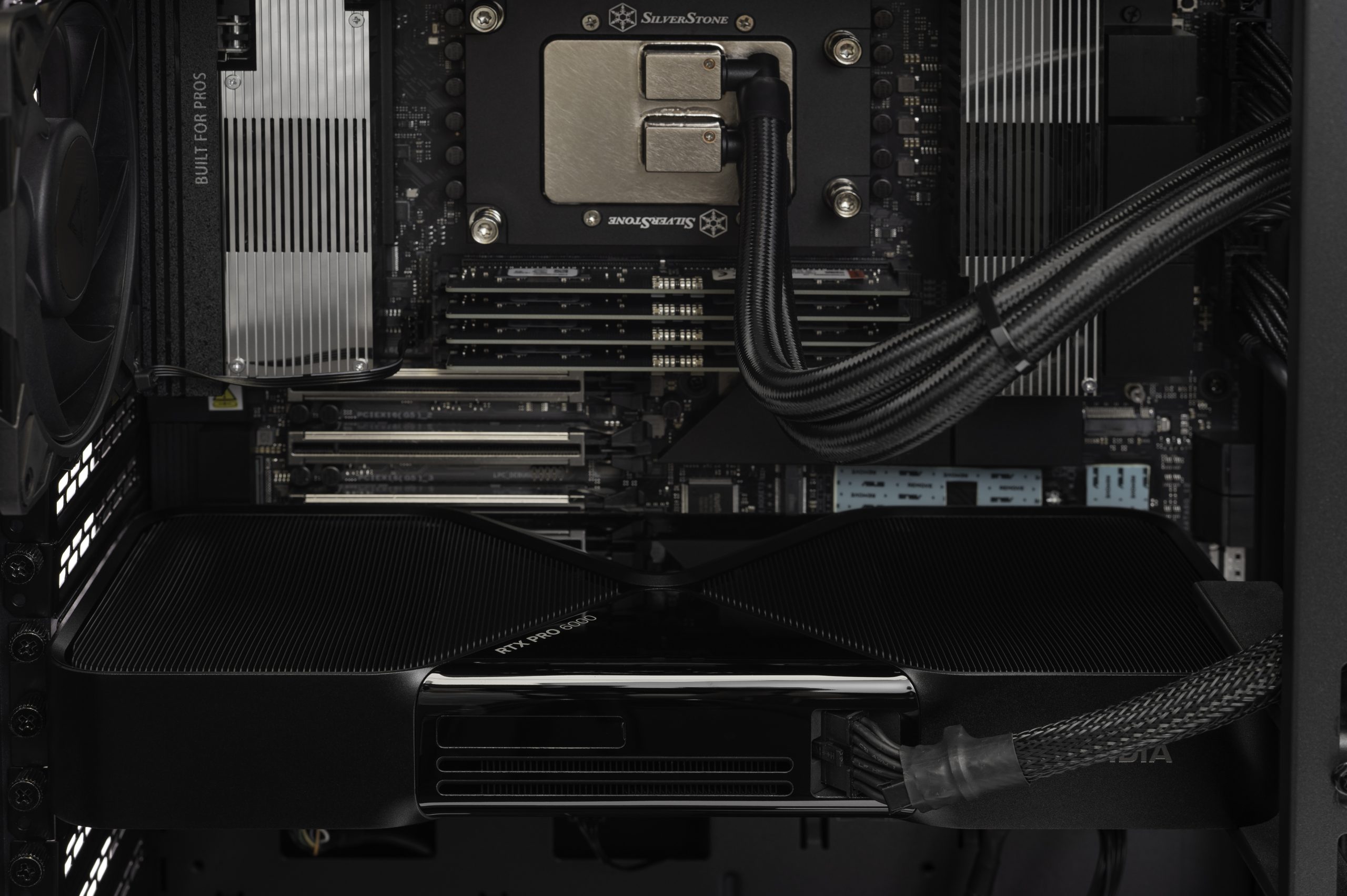
Frameworks such as vLLM use tensor parallelism for this. The vLLM docs say it splits each layer across the GPUs and runs an all-reduce sync at every transformer layer. So link speed adds overhead to every token. For comparison, NVIDIA rates H100 NVLink at 900 GB/s GPU to GPU.
CloudRift found the RTX PRO 6000 beats the H100 SXM on single-GPU inference. At 8-way tensor parallel, though, the H100 delivered nearly 3x its throughput on GLM-4.6-FP8 and ran 31% faster on Qwen3-Coder-480B. Our best guess is that the penalty is smaller with two cards, because each all-reduce only has to sync two GPUs instead of eight.
The path between the cards matters too. In the rtx6kpro community benchmarks, Kimi K2.5 on eight cards ran at 65 tok/s with P2P enabled and 44 tok/s without it. Direct peer-to-peer transfers depend on the motherboard and how it wires the lanes.
The platform needs x16/x16 lanes and 384GB of RAM
A two-card build needs a Threadripper platform that runs both cards at PCIe 5.0 x16. PNY’s system requirements call for system RAM equal to GPU memory and recommend twice that. For 192GB of VRAM, that’s 192GB minimum and 384GB recommended. Our Enthoo Pro 2 Server Edition dual build ships with 256GB, which falls between the two. The extra RAM covers model loading, dataset staging and CPU offload.
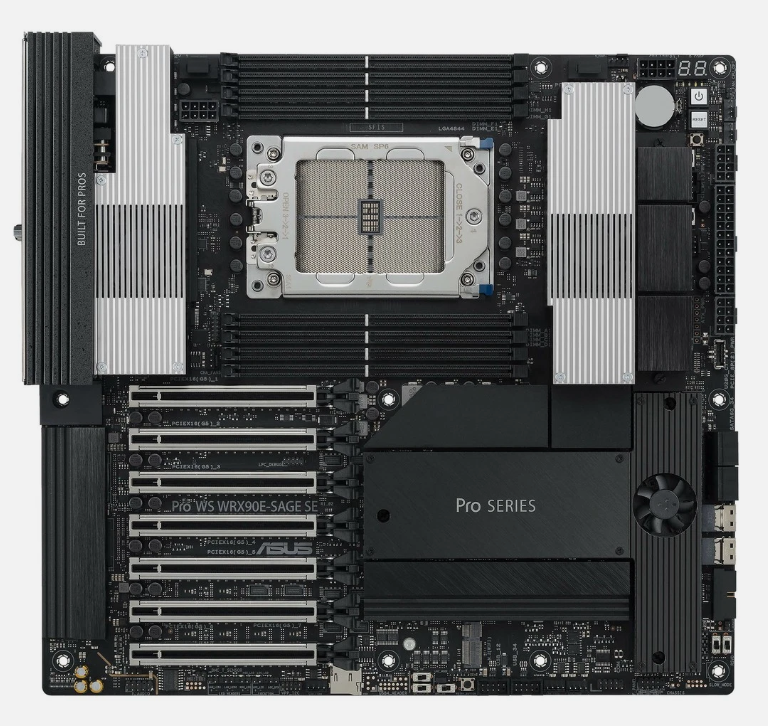
Our build uses Threadripper PRO on WRX90. BOXX’s dual 600W tower also uses WRX90 and supports up to four GPUs, each at x16. VRLA lists non-PRO Threadripper with 48 PCIe 5.0 lanes as supporting two RTX PRO 6000 cards. Two cards take 32 of those lanes and leave 16 for NVMe drives and networking. That’s enough for most two-card towers, but there’s no room for a third card.
Halving the lanes cuts the link to about 32 GB/s per direction. Tensor parallelism syncs at every layer, so avoid x8 slots for either card.
Check the topology before you rely on P2P. Run nvidia-smi topo -m and read the entry between GPU0 and GPU1. PIX or PXB means the path stays inside the PCIe fabric. SYS means traffic crosses the CPU interconnect.
How to power and cool 1,200W of GPU in a tower
A tower can cool two 600W cards if the case is laid out for it. The slots need spacing so the lower card’s exhaust doesn’t feed the upper card. Each card also needs its own intake air. The PSU and wall circuit have to cover about 1,200W of GPU plus the CPU.
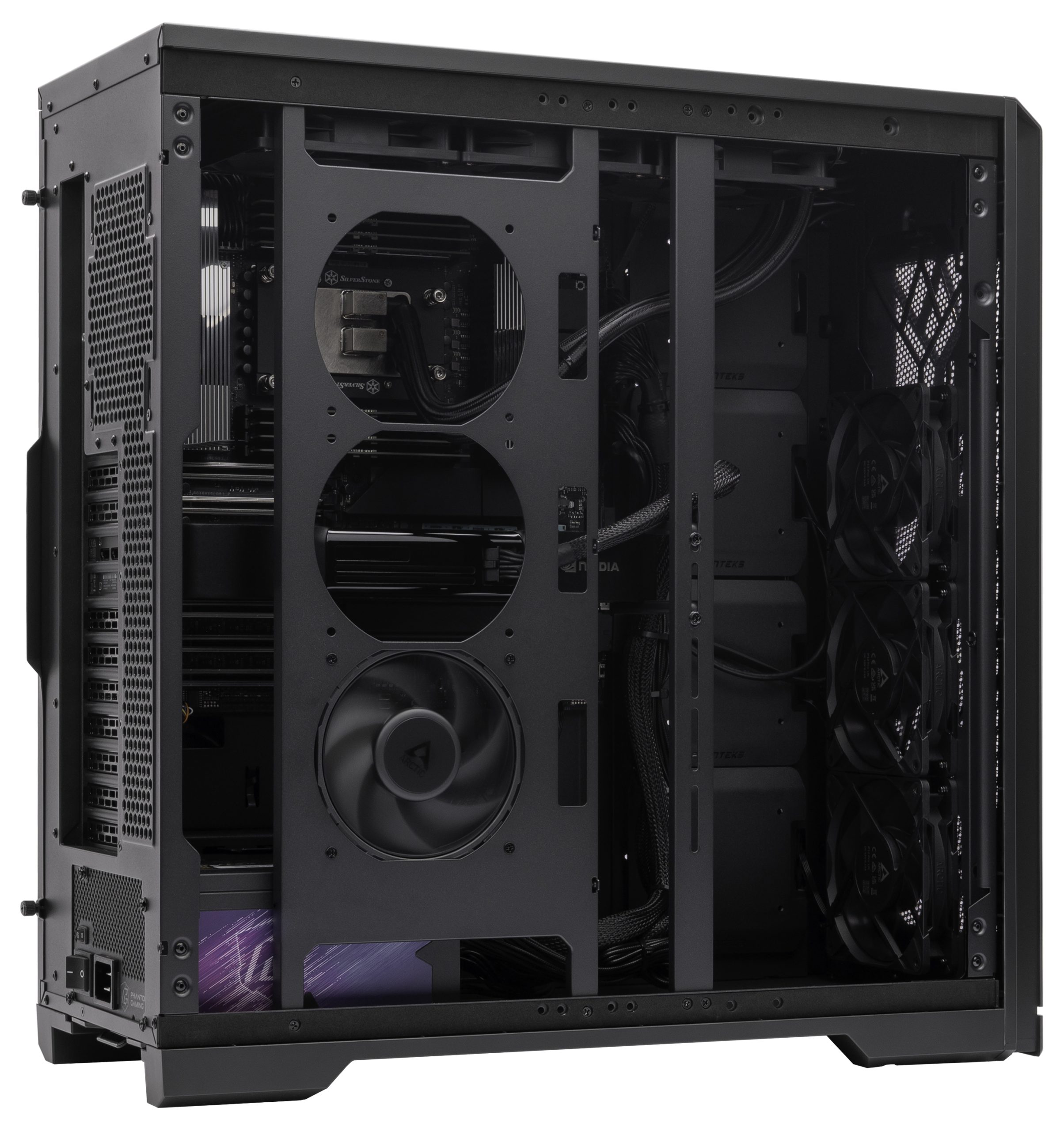
The heat problem comes from the cooler design. NVIDIA’s datasheet lists a double flow-through cooler on a 600W board. VRLA explains that this cooler pulls air in from below and exhausts it up into the case, with none leaving through the back. In adjacent slots, each card breathes its neighbor’s exhaust. Puget describes the same effect and says it can cause thermal problems on the upper card.
Integrators are cautious about this card in pairs. Puget’s parts page calls the Workstation Edition unsuitable for most multi-GPU configurations, though specially designed systems may run two. Its review adds that a pair will stretch most desktop power supplies and cooling. VRLA’s four-card test is the extreme case. Its best sustained result was 89-90°C on the top card at full load with the side panels on, which left almost no thermal margin.
Weight is the next issue. PNY lists each card at 1.95 kg, and NVIDIA gives the length as 12 inches. That puts nearly 4 kg on two PCIe slots, so both cards need support brackets to stop sag.
Power decides the wall circuit. BOXX’s dual 600W tower uses a 2050W Platinum supply on 208-240V with a 1,600W GPU budget. We fit a 2,000W unit instead of a 1,600W one because the CPU and drives draw power on top of the two cards.
A standard 15A 120V circuit delivers 1,800W, or 1,440W for continuous load. So plan on a 240V circuit or at least a dedicated 20A circuit, and have an electrician check it before the system arrives.
The Enthoo Pro 2 Server Edition has room for this layout. Phanteks lists 11 PCI slots, 15 fan positions for 120mm fans and 503mm of GPU clearance.
When dual Max-Q is the better answer
Pick dual Max-Q if your circuit, noise limit or case can’t handle 1,200W. Two Max-Q cards still give you 192GB and the same 1792 GB/s per card, but together they draw about 600W of board power. NVIDIA rates each Max-Q at 300W on a 10.5 inch dual-slot card. The chart compares the two editions side by side.
Lower power costs some speed. Puget measured a single Max-Q about 14% slower than the Workstation Edition for GPU effects in DaVinci Resolve. If fitting the model is your main limit, our best guess is that this loss matters less than it does in render-bound jobs.
Multi-GPU specialists lean toward Max-Q. VRLA ships it in its multi-GPU builds and calls it the card NVIDIA designed for two, three or four card systems. Exxact says three Max-Q cards were considered the limit for air cooling. Other integrators have turned to liquid cooling instead. Exxact has since validated four Max-Q cards in one workstation. If you expect to grow past two cards, start with Max-Q, because the 600W Workstation Edition leaves almost no thermal margin beyond two cards on air.
The dual RTX PRO 6000 workstation we build
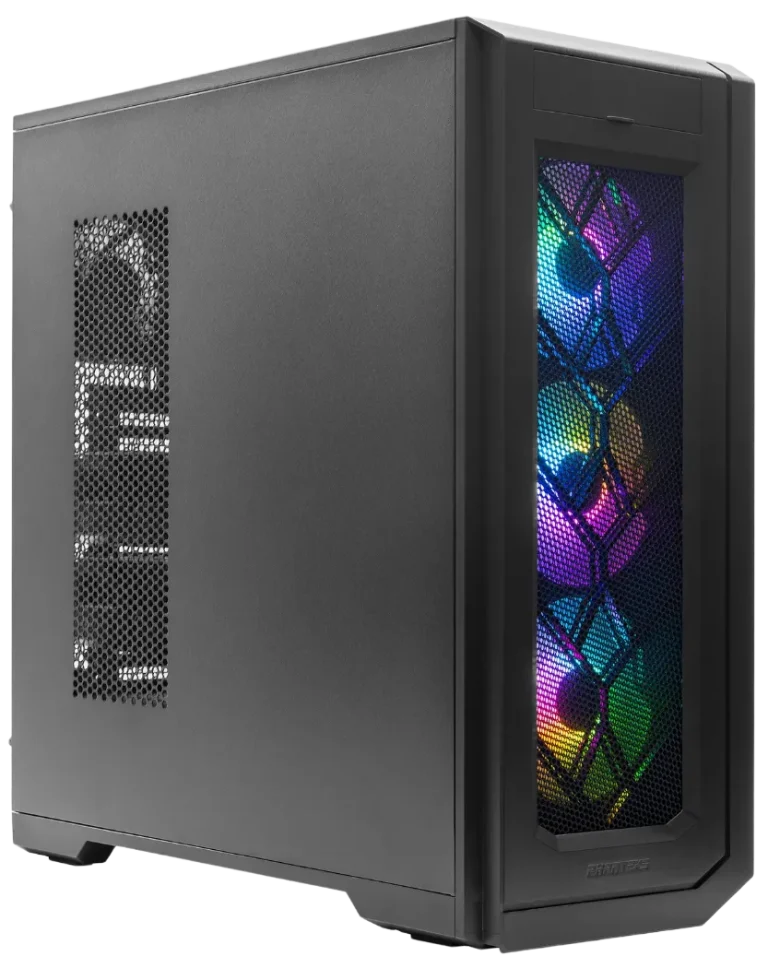
Best for 192GB
Enthoo Pro 2 Server Edition Custom AI Workstation: Dual RTX PRO 6000 Blackwell 96GB (192GB Total), DDR5 256GB, Ryzen Threadripper PRO 9955WX 16C 4.5GHz, 8TB Premium NVMe SSD (2x4TB RAID)
The good
- 192GB VRAM across two cards
- Both cards at PCIe 5.0 x16
- 2,000W PSU fitted
The trade-offs
- No NVLink, syncs over PCIe
- Needs 240V or dedicated 20A
Best for most buyers
Enthoo Pro 2 Server Edition Custom AI Workstation: RTX PRO 6000 Blackwell 96 GB, DDR5 128GB, Ryzen Threadripper PRO 9975WX 32C 4.0GHz, 8TB NVMe SSD (2x4TB RAID)
The good
- Runs 70B at FP8
- About $22,000 less
- 32-core Threadripper PRO 9975WX
The trade-offs
- 70B at FP16 won’t fit
- Long contexts compete for memory
We build this system in the Phanteks Enthoo Pro 2 Server Edition with two 96GB Workstation Edition cards, each with 24,064 CUDA cores.
| Spec | Enthoo Pro 2 Server Edition, dual RTX PRO 6000$55,291 | Enthoo Pro 2 Server Edition, single RTX PRO 6000$33,132 | RM600 rackmount, dual RTX PRO 6000$55,790 |
|---|---|---|---|
| GPUs | 2x RTX PRO 6000 Workstation Edition, 192GB total | 1x RTX PRO 6000 Workstation Edition, 96GB | 2x RTX PRO 6000, 192GB total |
| Price | $55,291 | $33,132 | $55,790 |
| Price per GB of VRAM | About $288 | About $345 | About $291 |
| Wins | 2 | 1 | 1 |
Phanteks has since released an Enthoo Pro 2 Server Edition V2 with the same 11 slots. Its 480mm radiator support matters mainly if you plan a liquid-cooled build. If the system is going into a rack, the RM600 rackmount dual build costs $499 more for the same 192GB.
BOXX’s APEXX T4 PRO-X is the main tower rival that runs two 600W cards. Price a dual GPU build on BOXX’s configurator and compare it line by line against our AI workstations, checking the PSU size and RAM on each.
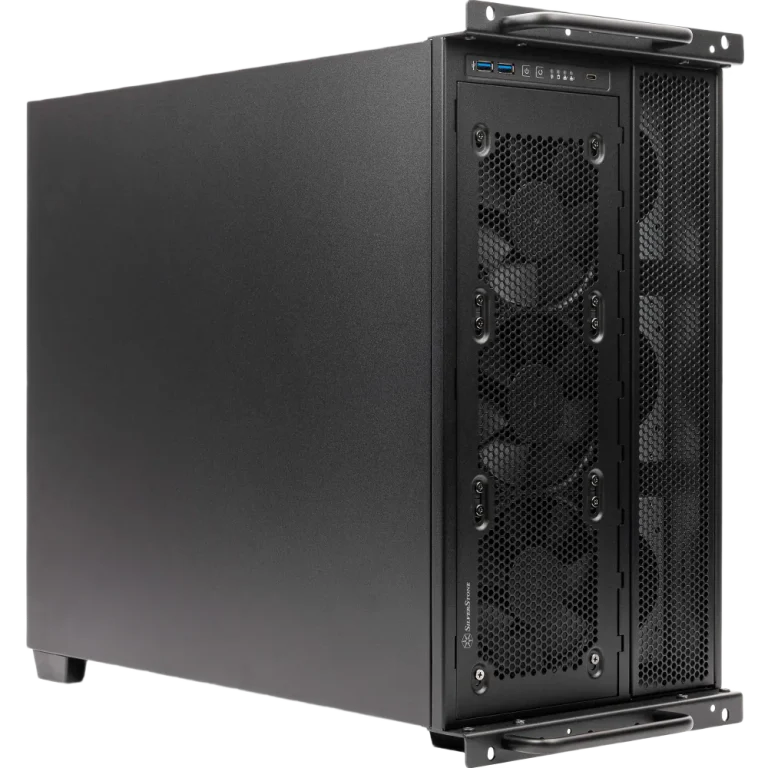
Prebuilt AI Workstations
RM600 Rack Mount Custom AI Workstation: Dual RTX PRO 6000 Blackwell 96GB (192GB Total), DDR5 256GB, Ryzen Threadripper PRO 9955WX 16C 4.5GHz, 8TB NVMe SSD (2x4TB RAID)
$55,790.00
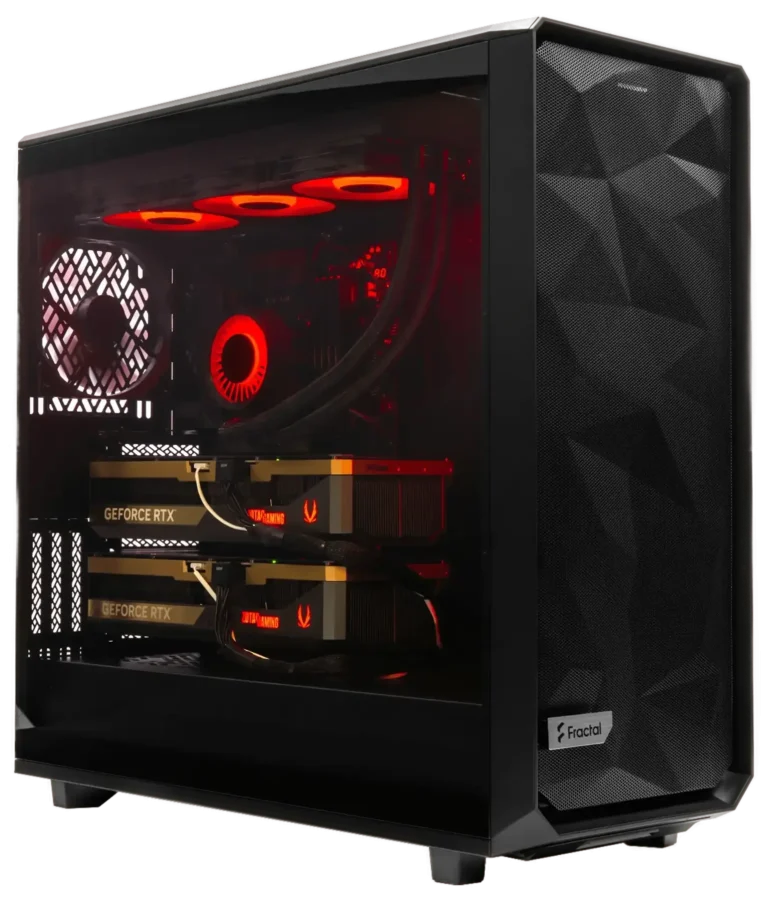
Prebuilt AI Workstations
Meshify 2XL Liquid Cooled Custom AI Workstation: Dual RTX PRO 6000 Blackwell 96GB (192GB Total), DDR5 256GB, Ryzen Threadripper PRO 9985WX 64C 3.2GHz, 12TB Premium NVMe SSD (3x4TB RAID)
$62,472.00
Prebuilt AI Workstations
Enthoo Pro 2 Server Edition Custom AI Workstation: Dual RTX PRO 6000 Blackwell 96GB (192GB Total), DDR5 256GB, Ryzen Threadripper PRO 9955WX 16C 4.5GHz, 8TB Premium NVMe SSD (2x4TB RAID)
$55,291.00
Prebuilt AI Workstations
Enthoo Pro 2 Server Edition Custom AI Workstation: RTX PRO 6000 Blackwell 96 GB, DDR5 128GB, Ryzen Threadripper PRO 9975WX 32C 4.0GHz, 8TB NVMe SSD (2x4TB RAID)
$33,132.00
Frequently Asked Questions
For most jobs it is, because 256GB clears PNY’s 192GB minimum. We’d go to 384GB if you offload layers to the CPU or stage large datasets.
You can, but plan for it before you buy. The single-card build ships with 128GB of RAM, which is below the 192GB PNY asks for with two cards. You’ll also need a second x16 slot, a PSU that covers 1,200W of GPU and a suitable circuit.
Yes. Each card partitions on its own. NVIDIA supports up to four 24GB or two 48GB instances per card, so a pair can host up to eight 24GB jobs, each isolated from the others. That setup suits a team sharing one workstation for smaller models.
It matters most on long jobs. Both editions carry 96GB of GDDR7 with ECC, which detects and corrects memory bit errors before they corrupt a result. A multi-day fine-tuning run is where a single silent error would cost you the most time.
Need Help Choosing the Right PC?
ArsenalPC is based in Willoughby, Ohio with 27+ years of custom-build experience. Every system we ship is hand-assembled and stress-tested for a minimum of three hours before it leaves the shop, and our team is available to help you match the right configuration to your workload, display, and budget.
- Phone: 866-277-3627 (Toll-Free) | 440-602-7090 (Local)
- Email: Contact Form
- Visit: 4711 E355 St, Willoughby, OH 44094
- Hours: Mon-Fri 10AM-6PM, Sat 11AM-3PM